 Global Bites
Cook what you save.
Screenshotting recipes you'll never cook? Scan one into Global Bites and it becomes the steps and the grocery list.

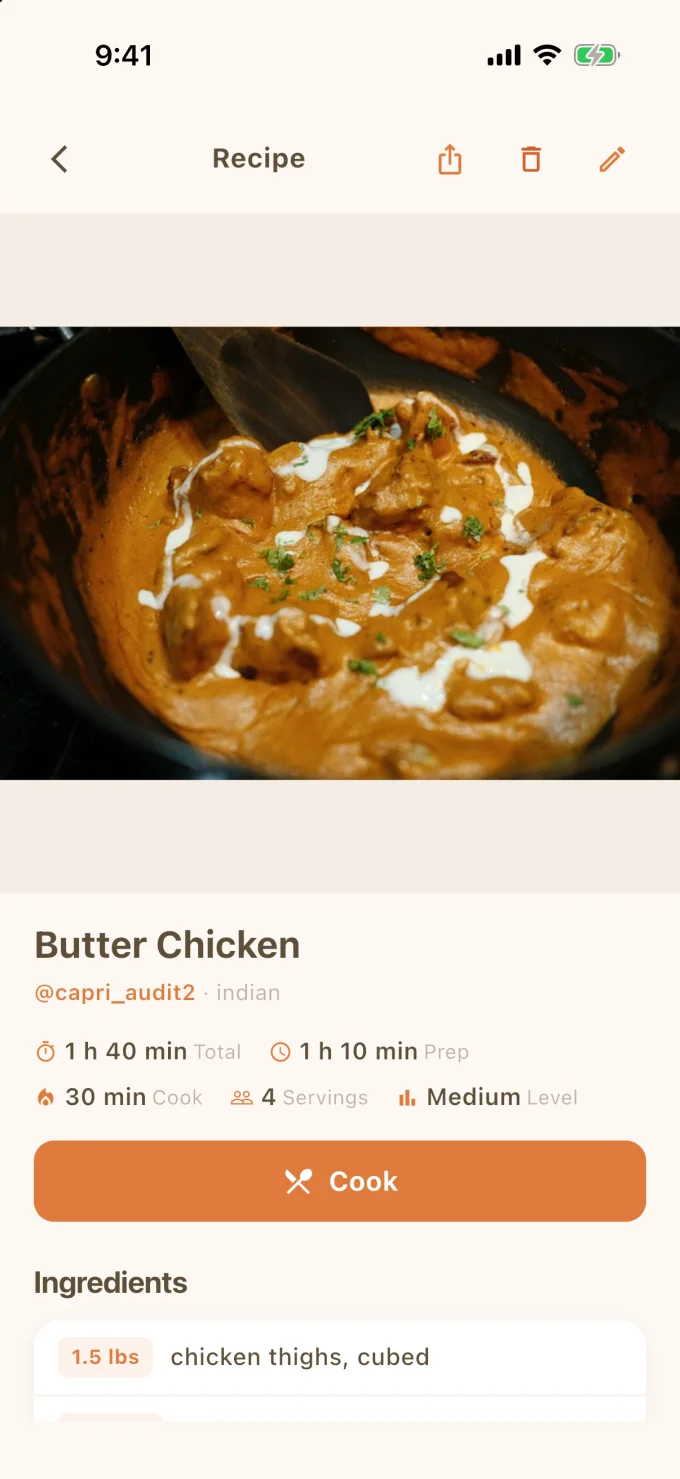
How it works
Screenshot a recipe you want to make, from any site or app, or snap a cookbook page.
Scan it into Global Bites. It reads the ingredients and the steps into your own cookbook.
Tap Add to Shopping List and the ingredients are on your list. Then cook it.
Made in Edmonton. The same app also lists places to eat in the city, in its Restaurants tab.
Try it with a recipe link
Paste a link from a recipe site. We show what Global Bites pulls out of it. Nothing is saved.
Your recipes, the steps, the list
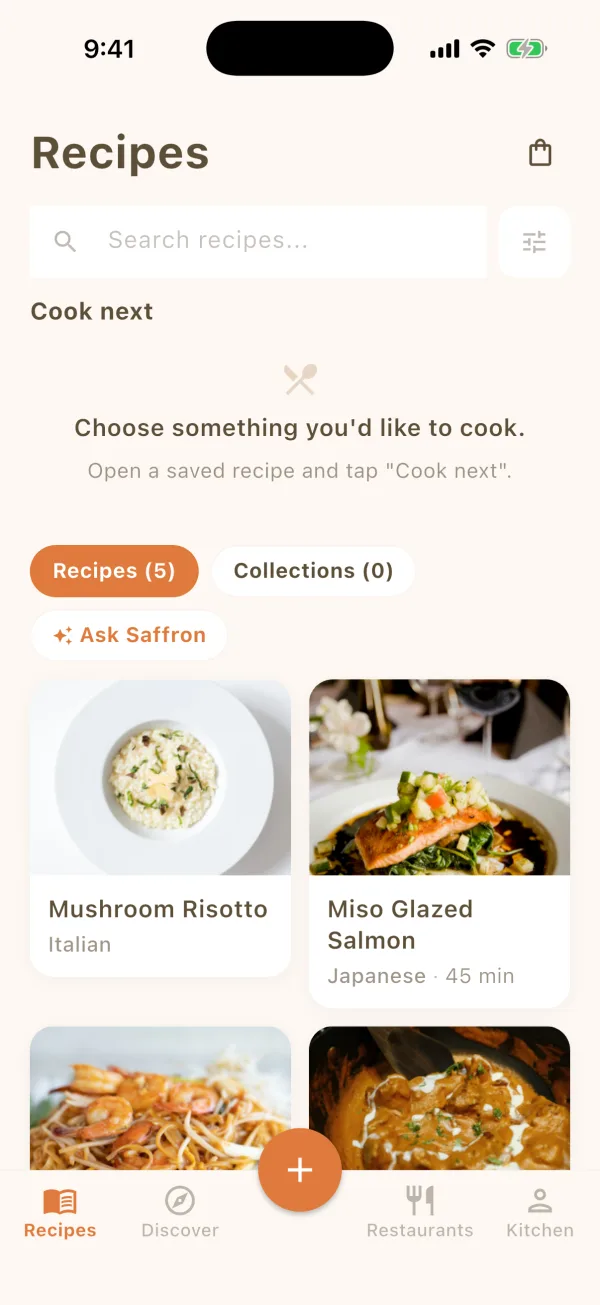
Your saved recipes 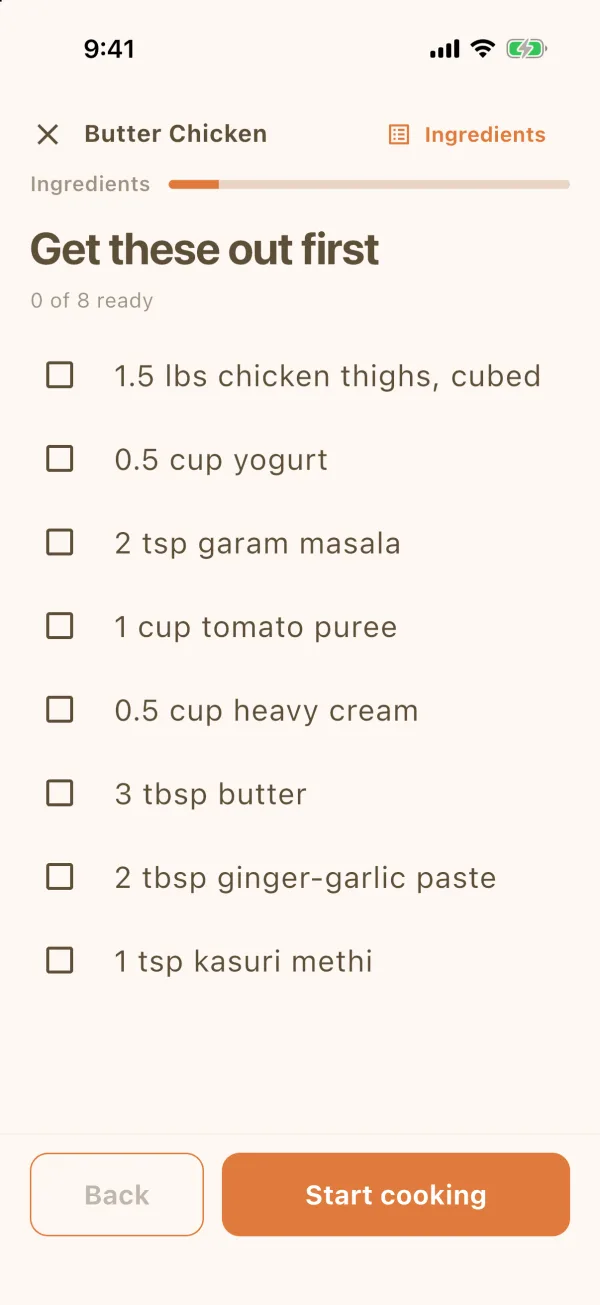
Cook mode, one step at a time 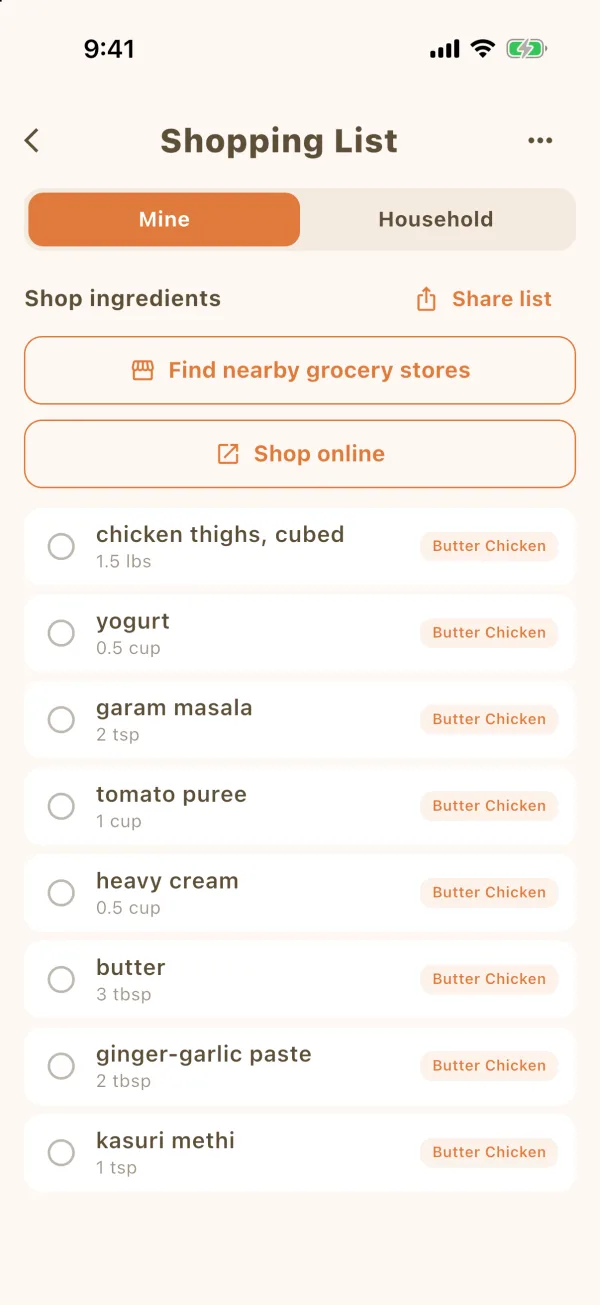
Steps + grocery list
Save recipes. Find places to eat.
Made in Edmonton
The same app also lists places to eat in the city, in its Restaurants tab.
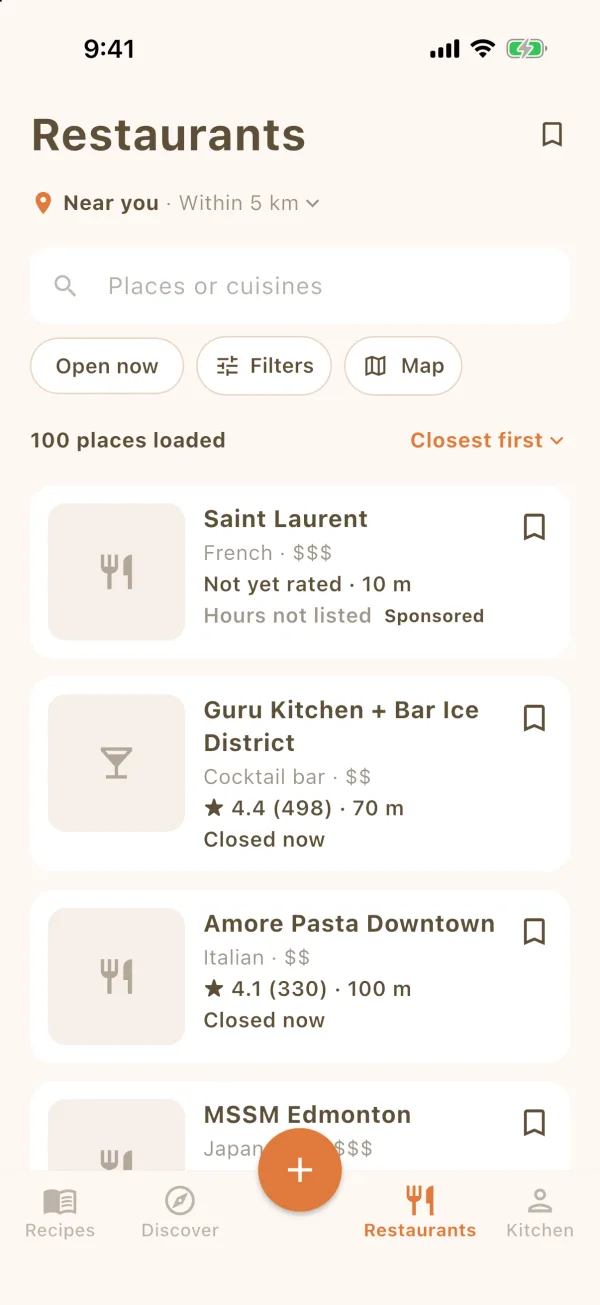
Restaurants tab